MTK6582_CUSTOM_ROMs

MTK rom Development--

ads

LightBlog

Breaking

Monday, 21 March 2016

March 21, 2016

[Rom][5.1.1]Minimal OS For Mt6582(xolo one) By Vikas yadav

[Rom][5.1.1]Minimal OS For Mt6582(xolo one) By Vikas yadav


   Hey guys today i present you an amazing rom ported by vikas yadav bro and compiled by rohan taneja bro.as you guyz already know minimal Os is an Aosp based rom with layers support and as the name says this rom has minimal apps which gives awesome ram management,i used this rom for 1 day and i can say this was the smoothest rom i used other than cyanogenmod,the battery was quiet amazing.Loved this Rom ;)
Features:
Memory leak fixes and other fixes from AOSP.
Layers 2.1 Support [Latest].
UBER Toolchain 4.9.4.
GRAPHITE, GCCONLY, KRAIT, FFAST MATH Optimizations.
Disabled Fullscreen Keyboard in Landscape.
Notification Ticker.
Statusbar Brightness Control.
Show Notification Count.
Double-tap Statubar or Navbar to sleep.
Clock Customization [Left,Center,Right].
Headsup Swipe.
Battery Status Style.
Privacy Guard.
Blacklist.
Filter Notifications.
Smart Call.
Smart Mute.
Detailed Caller Information.
Phone Number Lookup.
Quick Pin Unlock.
Gesture Unlock.
Quick Settings.
Quick Pulldown.
Show Weather [It will be removed soon].
Ability to disable Heads up.
Force Expanded Notification.
Advanced Reboot.
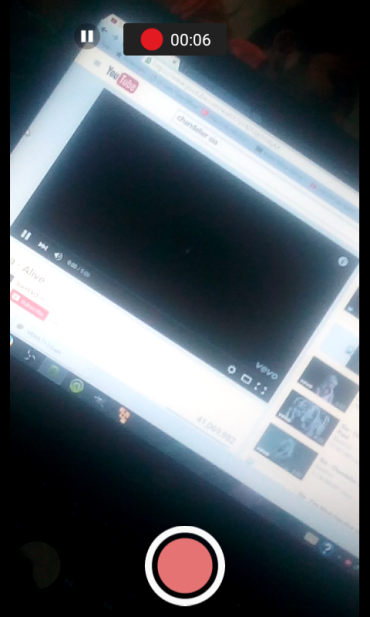
Screen Record.
Clear All Recents [Top right, Top left, Top center, Bottom right, Bottom left, Bottom center].
Show Search Bar in Recents Menu.
LCD Density.
Navbar Customization.
Navrings Customization.
Re-Orient Volume Buttons.
Expanded Desktop.
Ambient Display Customization.
Silent Mode.
Battery Light Customization.
LED Notification Customization

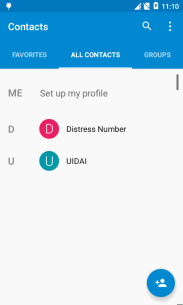
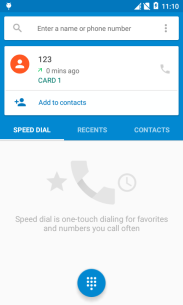
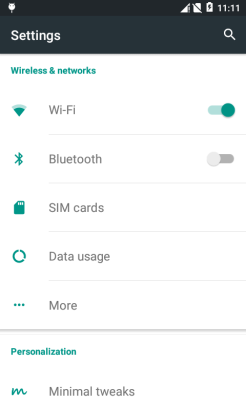
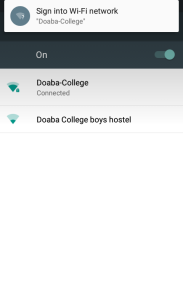
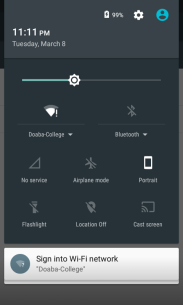
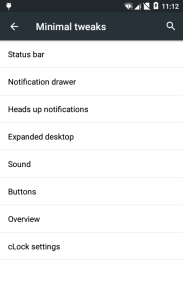
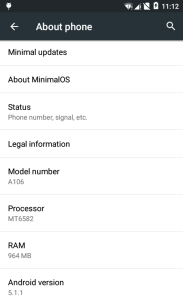
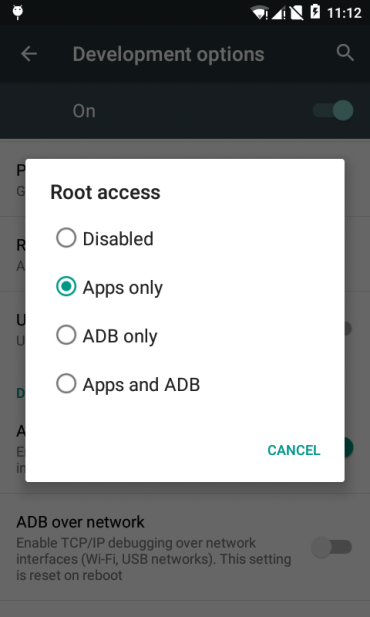
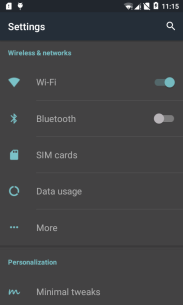
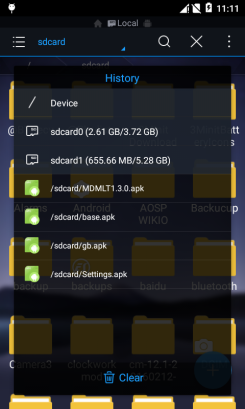
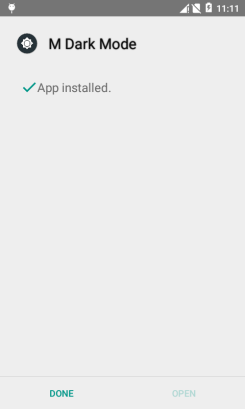
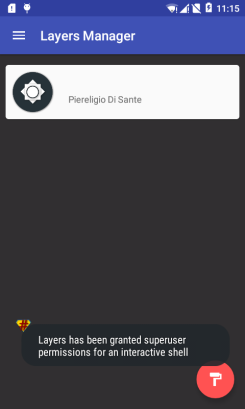
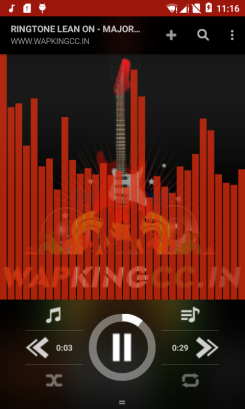
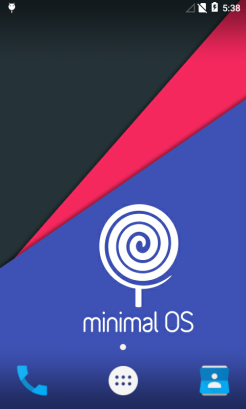
Screen Shots:

Thursday, 10 March 2016

March 10, 2016
M
Don’t Mirror My Link :3


Hey Guys I’m back with a New ROM for XOLO one Build By Rohan Taneja Ported By vikas yadav

Features:
Memory leak fixes and other fixes from AOSP.
Layers 2.1 Support [Latest].
UBER Toolchain 4.9.4.
GRAPHITE, GCCONLY, KRAIT, FFAST MATH Optimizations.
Disabled Fullscreen Keyboard in Landscape.
Notification Ticker.
Statusbar Brightness Control.
Show Notification Count.
Double-tap Statubar or Navbar to sleep.
Clock Customization [Left,Center,Right].
Headsup Swipe.
Battery Status Style.
Privacy Guard.
Blacklist.
Filter Notifications.
Smart Call.
Smart Mute.
Detailed Caller Information.
Phone Number Lookup.
Quick Pin Unlock.
Gesture Unlock.
Quick Settings.
Quick Pulldown.
Show Weather [It will be removed soon].
Ability to disable Heads up.
Force Expanded Notification.
Advanced Reboot.
Screen Record.
Clear All Recents [Top right, Top left, Top center, Bottom right, Bottom left, Bottom center].
Show Search Bar in Recents Menu.
LCD Density.
Navbar Customization.
Navrings Customization.
Re-Orient Volume Buttons.
Expanded Desktop.
Ambient Display Customization.
Silent Mode.
Battery Light Customization.
LED Notification Customization

Screen Shots:

How to install:

Download the ROM
Copy the ROM to your SD Card
Boot into recovery
Wipe data, cache and dalvik cache

Install the ROM
Reboot

Download:

Minimal OS

Gapps

Shared Storage Patch 

8MP Cam Patch

Credits:

Rohan Taneja(For this Build)

Pawan Diyal(For Fixing Bugs)

Ajit Guraya

Fire855

Vivek Chib(Porter)

Vijay Jaiswal

Ranjan Singh(Shared Storage Patch)

Manan Vallecha

Join Our New Micromax Unite 2 Development Group

Tuesday, 8 March 2016

March 08, 2016

Resurrection_Remix v5.5.9 R.33 for XOLO ONE and MT6582[ [febrary 22 2016]

About Resurrection Remix ROM

Resurrection Remix the ROM has been based on CM,slim.omni and original Remix ROM builds, this creates an awesome combination of performance, customization, power and the most new features, brought directly to your Device
Many things that in previous versions were tweaked with mods, are now included by default in the ROM so, please enjoy!

Special thanks to, the CM team,OMNI team ,SLIMROMS and of course to all the supporters

Included Main Features


Navigation Bar


-Enable/Disable Navbar


-Navbar Ring Switch

-Navbar Ring Targets
-Navbar Button Customization
-Navbar Dimensions(Potrait & Landscape)

Statusbar

-Brightness Slider

-Enable/Disable Show Notification Count

-SuperUser Indicator Switch

-Carrier Label

-Carrier Label Switch

-Carrier label Colour

-Quick PullDown Switch

-Smart Pulldown Switch

-Clock Customizations

-Time & date

-Clock Colour

-Day & date Toogle

-Center Clock/Right Clock Choice

-Battery

-Battery Bar customization

-Battery Icon Customization

(circle/landscape/Potrait and more)

-Battery % Text

-Network Traffic Indicator

Theme Chooser

-RR exclusive PITCH BLACK THEME

-Animations

-Toast Animations

-ListView Animations

-System Animations

App Circle Bar

-Choose apps in App circle

-Trigger Width

-Trigger Hieght

-Trigger Position

Recents Panel

-Clear All button Switch

-Clear All Tasks Switch

-Clear All Button Location

(Top right,Top Left,Top Center,Bottom Left,Bottom Right,Bottom Center)

Cclock Widget

-CLock And Alarm Customizations

-Weather Panel Customizations

-Calender Events

LockScreen

-Lockscreen Shortcuts

-Choose upto 5 Shortcuts

-100+ Icons for Shortcuts

Notification Drawer

-Weather Display Switch

-Quick Settings

-Choice to Add 20+ Tiles

-Enable 2/3/4 Tiles per Row

-Enable Disable Birghtness Slider in Notification Panel

-Advanced Location Settings Switch

(Choose Battery saving/Device Only/High Accuracy Directly in Notification Panel)

-LongPress Toogles to Enter Settings

Buttons

-Backlight Timer

-Backlight Strength

-Navigation Bar left/Right handed mode Switch

-Power Menu

-Power Menu End Calls Switch

Home Button(For devices with HW keys Only)

-Home Button Wake Up

-Home Button answer call

-Long Press Actions

-Double Tap Actions

Back Button(For devices with HW keys Only)

-Wake Up device Switch

Menu Button(For devices with HW keys Only)

-Wake Up Device Switch

-Short Press Actions

-Long Press Actions

Search Button(For devices with HW keys Only)

-Wake Up Device

-Short Press Action

-Long Press Action

Volume Buttons

-Wake Up Device

-Playback Control

-Keboard Cursor Control-Swap Buttons on Landscape modeGestures-Gestures Anywhere FeaturePerfomance Profiles

-LCD ensity

-Expanded Desktop Mode

-All New CM Audio FX App

-Heads Up Customizations

-OverAll Smoothness Improvements

-Quick Unlock

-Optimizations to Improve Battery

-ALL cm12.1 Features

-AND MUCH MUCH MOREsome pictures


thanks to: 
1.vikas yadav(for porting this for xolo one +fixiING BUGS
 2..ajit for build this rom from  source

2thanx to Alex( i use cm as base for fixing bugs)thanks to vikas yadav for that


download link:
Resurrection_Remix v5.5.9 R.33 for XOLO ONE and MT6582


BUG FIX

CAMERA PATCH V1

CAMERA PATCH V2


*** IMPORTANT ***

Note : You need to go to Settings > Configurations > Miscellaneous > and set Selinux to permissive (if you granted SU access to settings) and reboot


FOR MORE HELP JOIN OUR OFFICIAL  ROM DEVLOPMENT GROUP

https://www.facebook.com/groups/MTK6582/

Saturday, 5 March 2016

March 05, 2016

XOLO ONE 8GB model 4GB Repartition Guide

Things Required :-
1. XOLO ONE 8GB Model
2. Any stock / custom rom Based on kitkat
3. SP flash Tools,ROOTED XOLO ONE MOBILE
4. PC
5. EBR files
6…..goes on…
Steps :- VIA PC:-
1. Download the EBR Files and scatter files from here….
2. Download SP Flash Tools..
3. Install MT6582M drivers
4. Open Sp flash tools and load up the scatter files…
5. Select EBR1 and link the ebr1 file and do the same for ebr2
6. Now click download
7. Connect your phone without battery (Switched off)
8. You should see a tick mark and success message…then disconnect your phone and boot again…
9. If it boots up properly you are good to go..or else just restore the Nandroid backup you took… and you would get a re partitioned phone..
* if the internal sd card after formatting gets mounted as read only… then go to ctr recovery and wipe cache and wipe dalvik cache and reboot the phone… everything will be alright… after all your apps get optimized
10. Hit Thanks for me…


:-Steps :- 
FLASH STOCK KK,LP ROM,
CUSTOM ROM THAT SUPPORT XOLO ONE 8GB MODEL
THEN ROOT
,INSTALL CUSTOM RECOVERY
FLASH  VIA RECOVERY MODE
MY GIVEN EBR 4GB FILE
MOST IMPORTANT
MUST FORMAT YOUR DEVICE AFTER FLASH THIS PATCH,
CLEAN Cache
download link
coming comming: